Do you work for yourself,or does it all run through you?
What would change if it were all connected? Talk to your files, connect your email and calendar, and get presentations, documents and spreadsheets ready to use. All in a space that is yours alone.
Six tools you would use separately, working together.
Every part of your space talks to the others. The file you upload today becomes an answer, a chart and a presentation tomorrow.
Chat
Ask the way you would ask a colleague
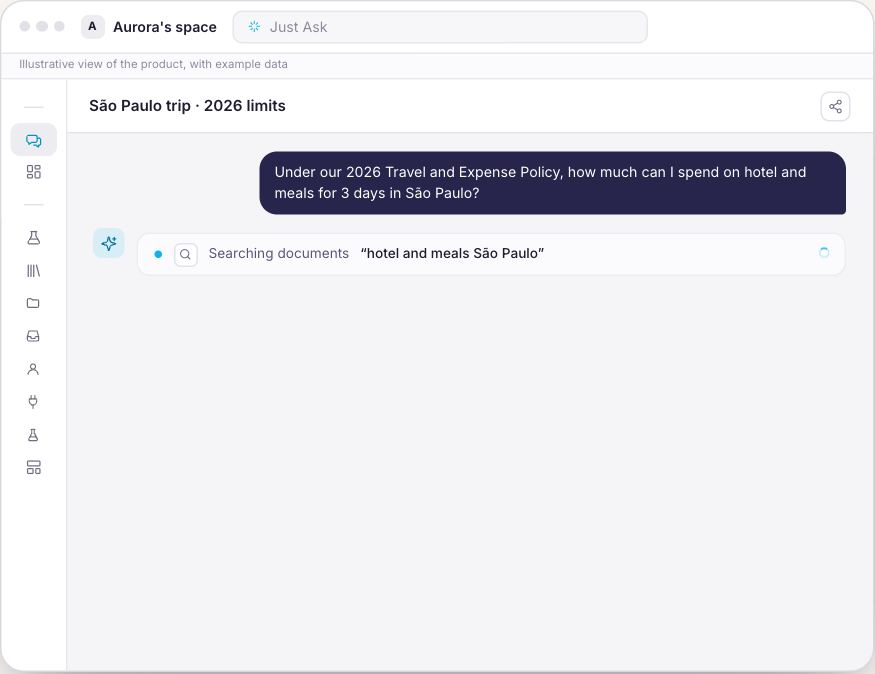
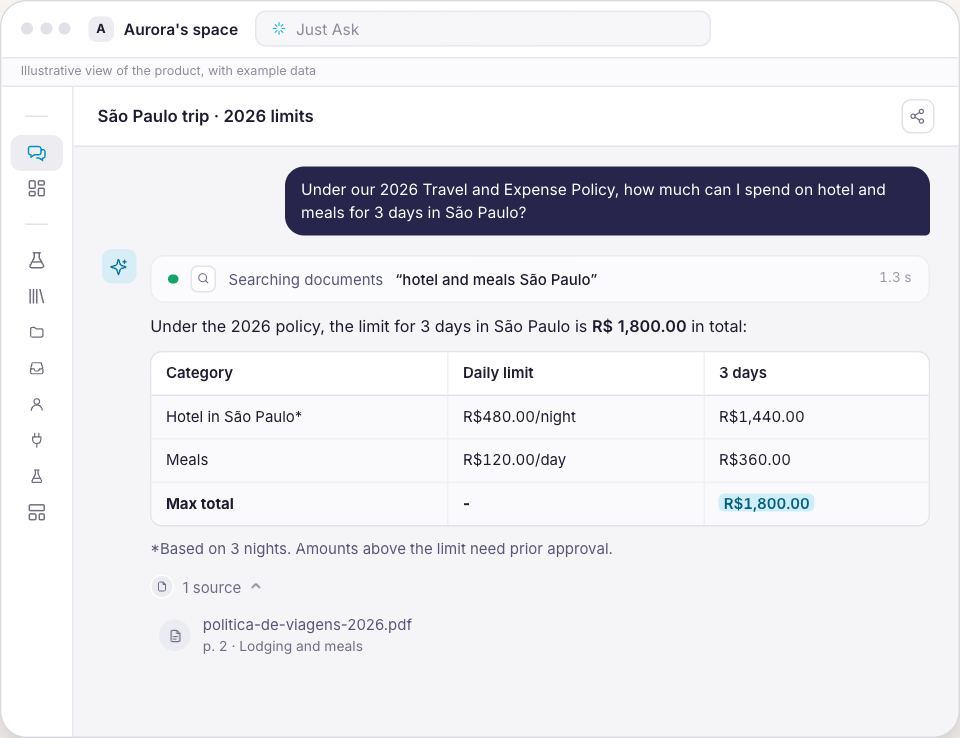
Chat answers from your files, your data and the web, and shows where each piece of information came from. When the answer is not in your sources, it tells you instead of making something up.
Answers with the source, page and passage
Web research when you ask for it
The right AI model for each request, picked for you
Knowledge Base
Your files become memory
Drop in PDFs, documents, presentations, spreadsheets and audio. Synapse reads everything as it arrives, with no queue and no setup, and starts answering from it.
PDF, Word, PowerPoint, Excel, audio and video
Ready for questions as soon as it finishes reading
Kept in your space, away from any other account
Connectors
Your tools in a single conversation
Connect Gmail, Google Calendar, Google Drive, Google Sheets and SharePoint. Ask about yesterday's email, tomorrow's meeting or this month's spreadsheet without opening a single tab.
You choose exactly what comes in
Connected spreadsheets refresh on their own every day
Email and calendar checked on the spot, without copying your whole inbox
Data Lab
Spreadsheets become answers. Answers become charts.
In the Data Lab you ask about your spreadsheets in plain language and get the number, the table and the chart. No formulas, no pivot tables, no waiting on anyone.
Plain-language questions over Excel, CSV and Google Sheets
Charts ready to paste into your presentation
The numbers come from your spreadsheets, not from the AI's imagination
Templates
Finished work that looks like you
Ask for a presentation, a document, a PDF or a spreadsheet and get the finished file, in your template. For longer work, Projects gather the sources and follow a topic from start to finish.
Presentations, documents, PDFs, charts and spreadsheets
Templates with your colors, fonts and structure
Projects to go deep on a subject
Task Board
Assistants that work while you handle the rest
Hire ready-made assistants and let routines take care of what repeats: the weekly status, the meeting agenda, the inbox. Everything arrives as a draft, and the final call is always yours.
Assistants with ready-made instructions, nothing to configure
Routines on the day and time you choose
You review before anything goes out
From sign-up to your first answer in a few minutes.
1
Create your account
With email, Google or Microsoft. No card needed.
2
Name your space
It starts ready for one person: no company, no tax ID, no setup.
3
Drop in a file and ask
The first answer about one of your own documents is when it all clicks.
Start free. Stay for what it does for you.
Free is for getting to know it. Individual is for having Synapse at work every day, with no brakes.
No commitment. Cancel anytime and keep using it until the end of the paid period.
Your work stays yours.
An isolated spaceYour files and conversations stay in your space. Nobody else sees them.
No AI trainingWhat you send is not used to train AI models.
Answers with sourcesEvery piece of information shows where it came from. Check it in one click.
Says when it does not knowIf the answer is not in your sources, Synapse tells you instead of making it up.
On TVBluey, the company behind Synapse, on TECH SC by Globo NSC
Questions before you start
Do I need a card to start?
No. You create your account and use Synapse for free. A card only comes in when you decide to subscribe to Individual.
What happens when I reach the free limit?
You keep everything you created. Synapse tells you which limit you reached and shows how to continue with Individual, without losing any file or conversation.
What are credits?
They measure the AI's work in your space. Conversations, deliverables and routines use credits, and Individual renews your allowance every month. If you need more, you can buy extra credits anytime.
How is this different from a regular AI chat?
A regular chat does not know your work: in every conversation you explain everything again and paste the same files. Synapse keeps your files, connects your tools, delivers finished files in your template and keeps routines working for you.
Can I cancel anytime?
Yes. There is no commitment, and after canceling you keep Individual until the end of the period you already paid for.
Are my files safe?
They are isolated in your space, with the same protections we use for companies, and they are not used to train AI models.
Can I use it with my team?
Individual is for one person. For teams, Synapse has company plans, with more people, permissions and areas like sales, customer service and finance.
Your space is one click away.
Create it for free now and ask your first question about one of your files. When Synapse becomes part of your day, Individual is waiting for you.